A free audit can sound like a sales call with a different name. We understand that. So here is what we do in that call, the questions we ask, and what you keep afterwards. That holds even if you decide not to work with us.
What happens in the call
Part 1
Your software, listed
What you already pay for, who uses it, and what gets retyped between packages.
Part 2
Three to five recurring jobs
Walked through step by step, as they happen on an ordinary Tuesday.
Part 3
The sum
Time per job, how often it happens, and the hourly cost of the person doing it.
Part 4
Where client data goes
Which packages process personal data, where it's stored, and which agreements are in place.
Afterwards
A short written overview
Quick wins, larger projects, and an estimate of cost and savings for each.
Why we start with an audit
Almost every owner wants to automate more. In Exact's SMB Barometer, 94% of Dutch SMB owners say their business is not automated enough. The two main reasons to start are cost savings (52%) and time savings (46%) (Exact MKB Barometer 2025).
Owners who hesitate usually hesitate for reasons other than the technology. Of the Dutch firms that considered AI but don't use it, 73% cite a lack of experience, 49% privacy and 42% unclear legal consequences (CBS, December 2025). Each of those worries comes up in the audit.
Writing a proposal before we know your work would mean guessing. So we look first, and only then talk about what we would build.
What you already pay for: your software, listed
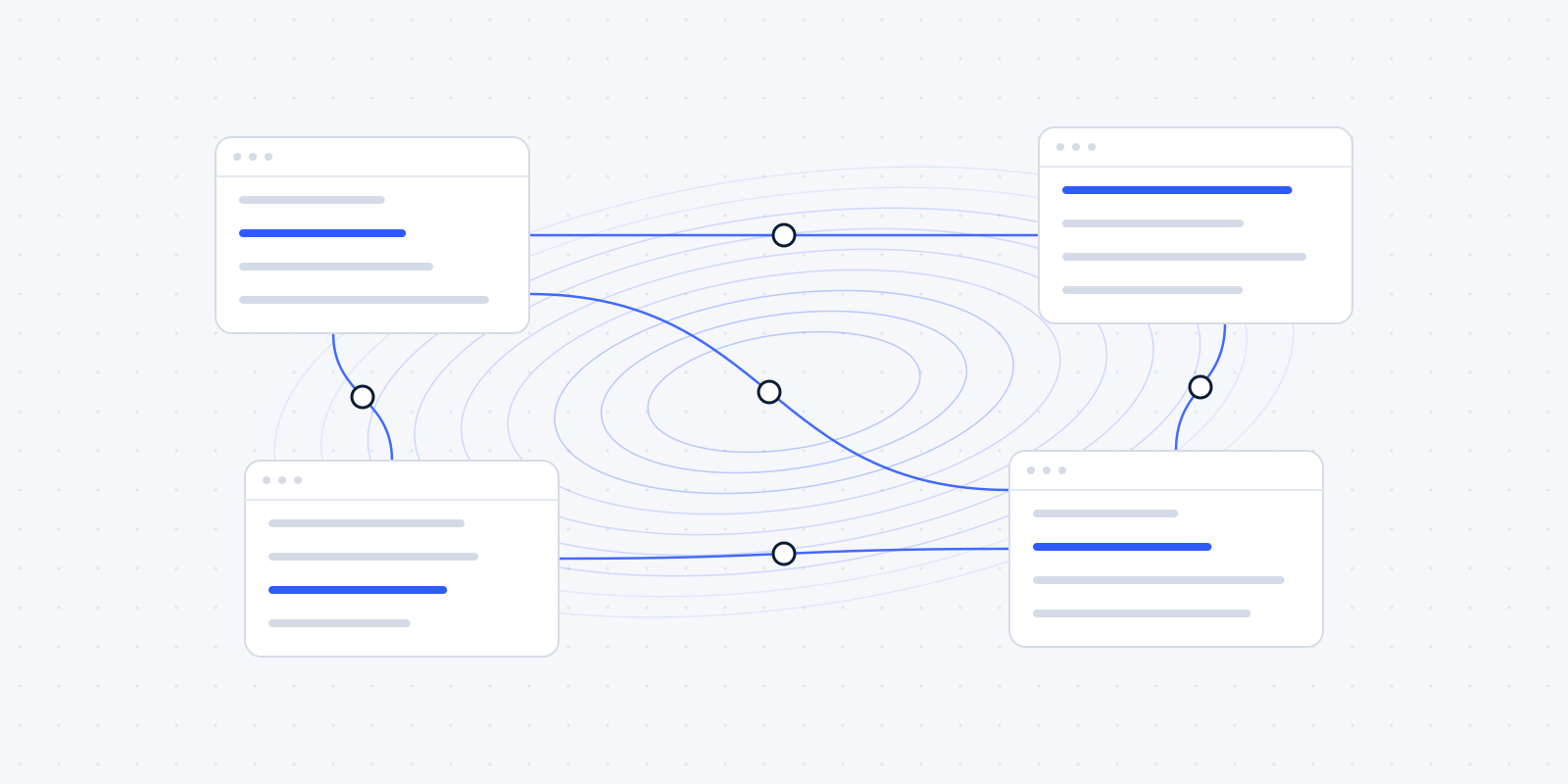
We start with the software you use today. Your accounting package, for example Exact Online, Moneybird or Twinfield. Your email and calendar in Microsoft 365 or Google Workspace. A CRM such as HubSpot, if you have one. Your payment provider, and the shared folders where client files live.
For each package we ask a few questions. Who uses it, and for what? Which data in it is also needed somewhere else? And what does someone currently retype by hand from one system into another?
That last question usually turns up the most. The packages themselves often do their job well. The work sits in the retyping, copying and chasing between them. You don't need to prepare anything, though it saves time if you have a list of your subscriptions to hand.
Three to five recurring jobs, mapped
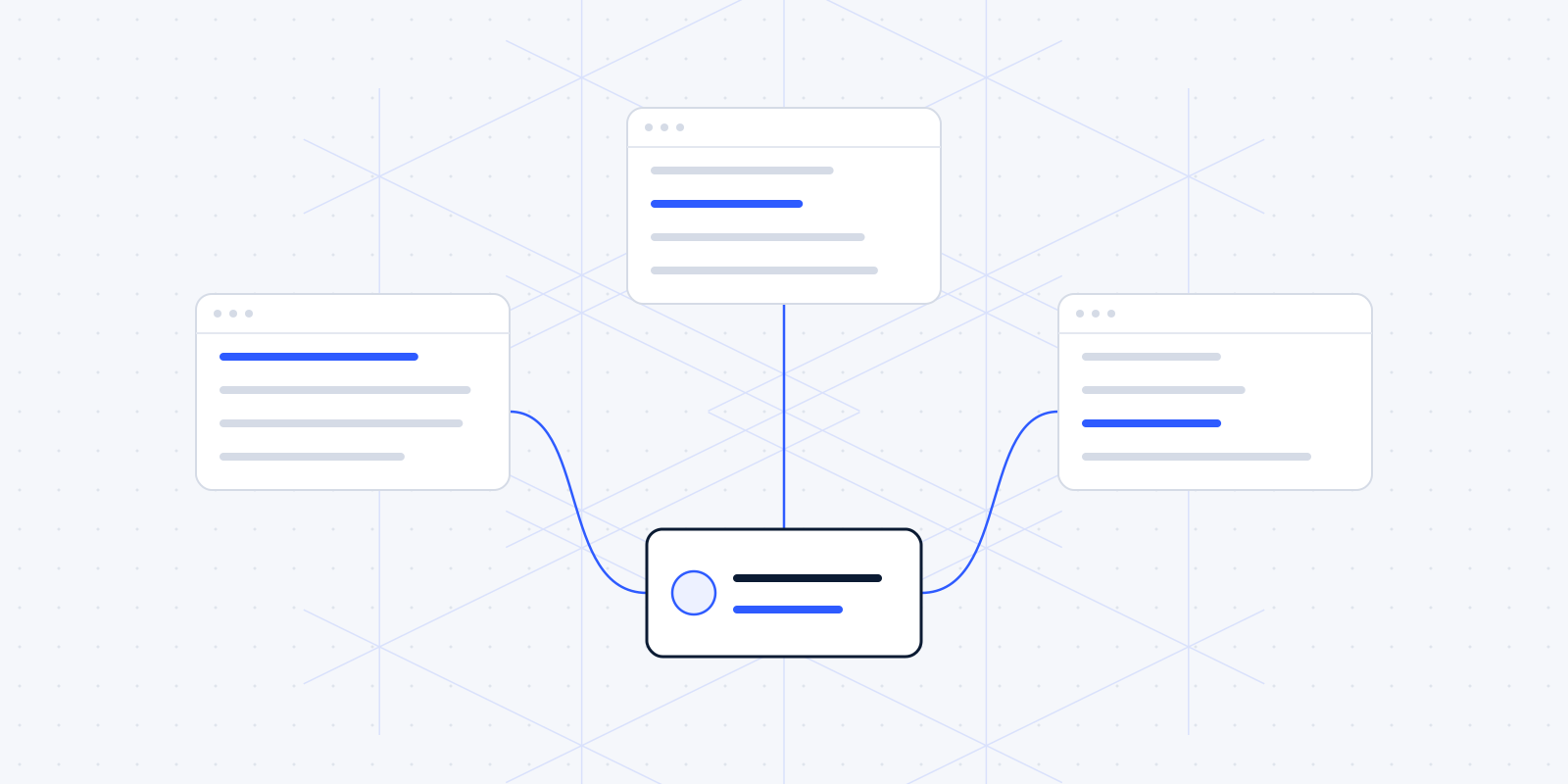
Next we pick three to five workflows together that come back every week or every month. Taking on a new client. Collecting documents for tax returns. Sending invoices and chasing payments. Preparing the monthly figures for a client or for yourself.
For each workflow we walk through the steps as they happen now, detours included. Who starts it? Where does someone wait on someone else? Where does it sometimes go wrong, and who notices? We write down what happens on an ordinary Tuesday. The tidy process chart in the quality manual can stay in the drawer.
Here is an example of what that looks like, at an imaginary firm such as Van Dijk Accountancy. A client emails their bank statements. A staff member saves them in the client folder, ticks a box in an Excel list and emails back to say they've arrived. Four actions in three programs. If something is missing, a reminder goes out, as long as someone remembers. A description of a few lines like that is enough to see where a system could take over.
The sum: time, frequency and hourly cost
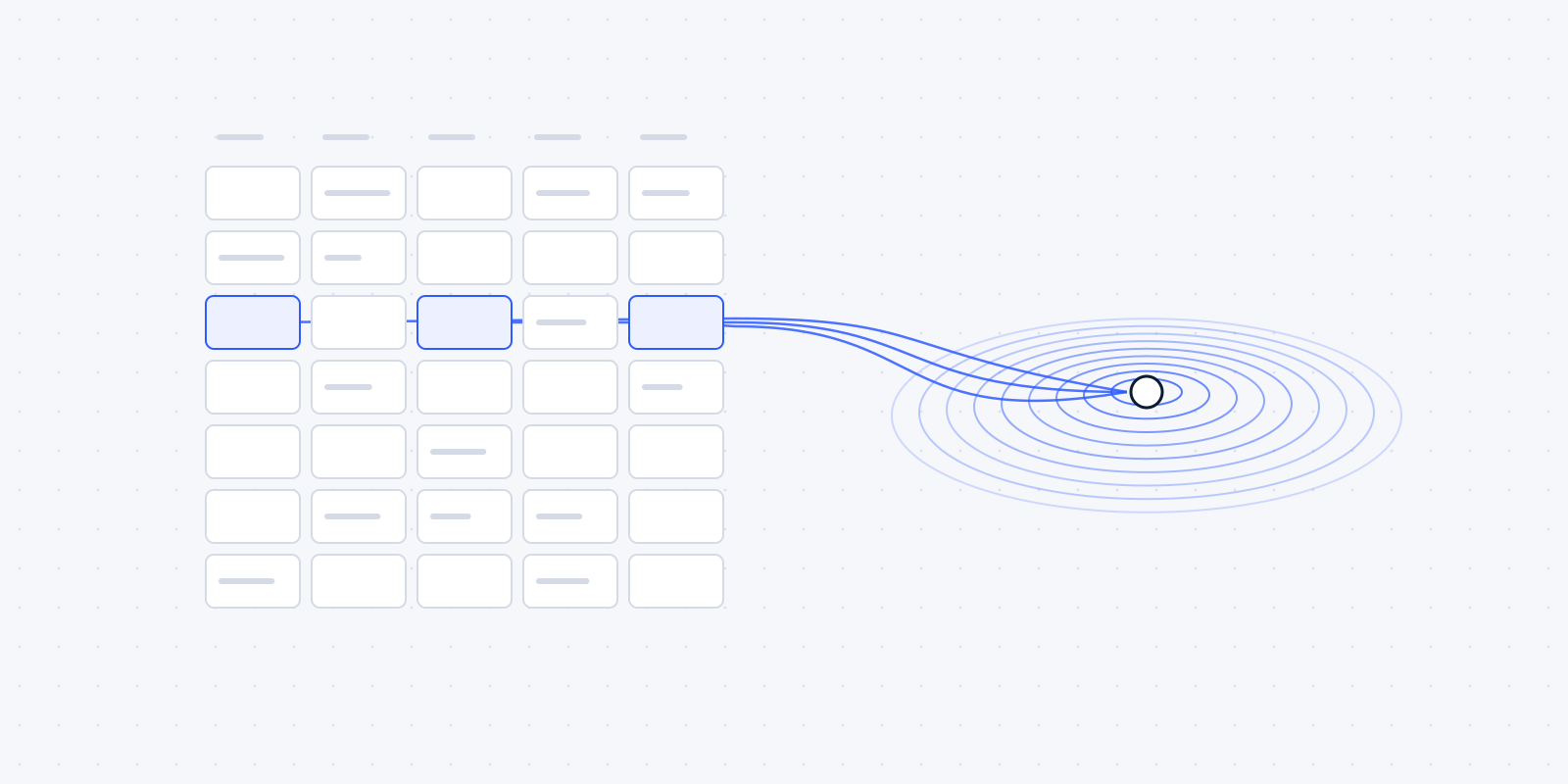
For each workflow we do a simple sum. How long does the job take? How often does it happen? What does an hour of the person doing it cost? Below is an example with made-up numbers.
Your numbers may come out higher or lower. Sometimes the result is so small that automating isn't worth it, and that is a useful result too. That's why we do the sum.
You can also do this sum yourself before you call us. Pick a job your team complains about. Estimate how long it takes, interruptions included. Count for a week how often it happens, and multiply by the hourly cost. The figure is rough. It does give you a floor for what a solution may cost per year.
Time isn't the only cost either. With reminders, there's also money that arrives later: on average, Dutch SMBs are paid late on 14.2% of their invoices (Exact MKB Barometer 2025). And in a 2022 study of 20 teams, researchers estimated that people lose close to four hours a week getting back on track after switching between apps (Harvard Business Review, 2022).
Where your client data goes
For each workflow we also look at where the data goes. Which packages process your clients' personal data? Is that data stored in the EU or outside it? Do you have a data processing agreement (verwerkersovereenkomst) with every party?
For an accounting or law firm, this is a substantial part of the advice. If a connection sends client data on to an extra service, that service becomes a processor too, with all the agreements that come with it. We put that on paper before anything is built, so you don't find out afterwards where your data ended up.
What you have afterwards
After the call you get a short written overview. [CHECK: confirm the format and timing of what Nick sends after the audit] It covers three things:
- the quick wins: jobs that can be automated with the software you already have, without a new package;
- the larger projects, with what they need and which systems are involved;
- for each part, an estimate of what it costs to build and what it saves, based on the sum above.
Written overview
ExampleAutomation audit: summary
Van Dijk Accountancy (fictional)3 workflows
Quick wins, with the software you have
- Reminders for unpaid invoices: switch on the reminder feature in the accounting package.
- Saves about 46 hours a year in the example sum.
Larger projects
- Document requests for tax returns: one list per client, reminders, one overview.
- Systems involved: email, client folders, the Excel tracking list.
Where client data goes
- Two packages process personal data. One data processing agreement is still missing.
That overview is yours. You can carry it out yourself, hand it to your own IT partner or continue with us. We only name a payback period once we've seen your processes, and we don't promise savings in advance.
When we advise you not to automate
Sometimes the honest answer is: leave this as it is. For example when a job happens so rarely that building and maintaining an automation costs more than it saves. Or when it needs judgement, such as a risk assessment or a difficult conversation with a client. Then we say so. An automation nobody trusts is quietly done by hand again within a few weeks.
Even when your software can already do the job, we tell you. Sometimes the fix is a setting in your accounting package that was never switched on. Then there's little to build, and we help you find that setting.
We wrote a separate article about where that line sits: what not to automate. And if you want to know why we almost always build on what you already have, read why we build on the software you already use.
Want this audit for your own firm? The call is free and you're not committing to anything. Book it here.