Ask an accountant what makes the work heavy and you rarely hear "the accounting software". You hear about the client who doesn't send their documents, the authorisation that still isn't sorted and the check that's done by hand the same way every month. That's where the time goes. Below are the five jobs we look at first in a small firm.
The order is our own choice, based on where we usually start with firms. It isn't a ranking from research, and we know of no Dutch source that measures how many hours each job takes.
It's in the endless small tasks
Four in five Dutch accounting professionals (79%) sometimes or structurally have too much work. One in five (20%) names "endless small tasks" as something that drains energy or frustrates them (Accountancy van Morgen, August 2025). The survey was run by Wolters Kluwer in May 2025; the article doesn't say how many people took part. The same survey shows that invoice processing is already 78% automated, while reporting is only 38%.
In other research, 57% of Dutch accountants combine Excel with manual checks for working papers, annual accounts and reports. That's the highest share of the five countries surveyed; in the UK it's 31%. And 84% think they could win back at least an hour a day (Accountant.nl, research by Silverfin and Censuswide, September 2026).
Hiring more people won't solve it. At firms with fewer than ten employees, nearly a quarter of vacancies are unfilled (SRA figures for 2023, via Accountancy van Morgen). If you can't hire, you have to make the work itself smaller.
79%
of Dutch accounting professionals sometimes or structurally have too much work
1. Chasing clients for income tax and corporate tax documents
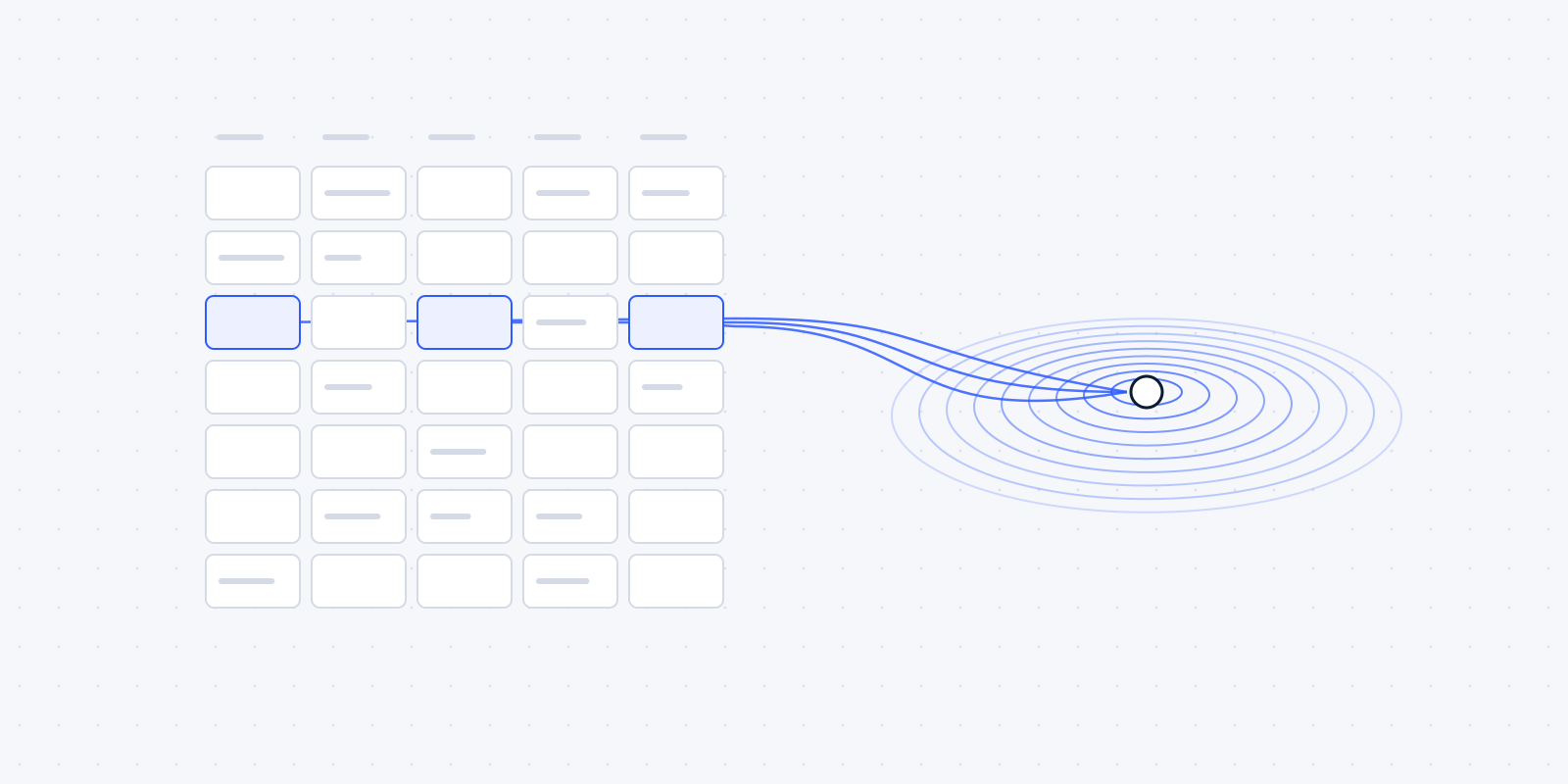
Every season it's the same: a list of clients, a list of missing documents, and someone who emails, calls and emails again. That chasing is easy to automate. Each client gets a personal list of what's still missing. Whatever comes in is ticked off. A client who hasn't sent anything after a week gets a reminder automatically, and your staff member sees in one overview who is still outstanding.
An example, with a fictional firm: 150 income tax clients each get one message in February with a personal list. After a week, anyone who hasn't sent anything gets a reminder, and after three weeks another one. Only then does someone pick up the phone, and only for the clients still outstanding. The calling doesn't disappear. It becomes a shorter list.
Many packages already have a portal or a document-request feature. Often the only thing missing is the link with the overview your firm keeps itself.
What a person keeps doing: judging whether the documents are correct and complete. The software knows an annual statement has arrived. Whether it's the right one, your staff member sees.
Today
- Someone keeps a list of missing documents per client
- Emails and calls each client, then emails again
- Ticks off what arrives by hand
Automated
- Each client gets one message with a personal list
- What comes in is ticked off automatically
- A reminder after one week, another after three
- One overview of who is still outstanding
Stays with a person: Judging whether the documents are correct and complete.
2. Tracking authorisations and deadlines
To receive pre-filled tax return data (VIA) for an income tax client, an intermediary needs an active doorlopende machtiging, a standing authorisation, for that client. For the 2026 tax year it has to be in place by 1 November 2026; the deadline used to be 1 December (Taxlive; Belastingdienst). Check the Belastingdienst for the date in later years.
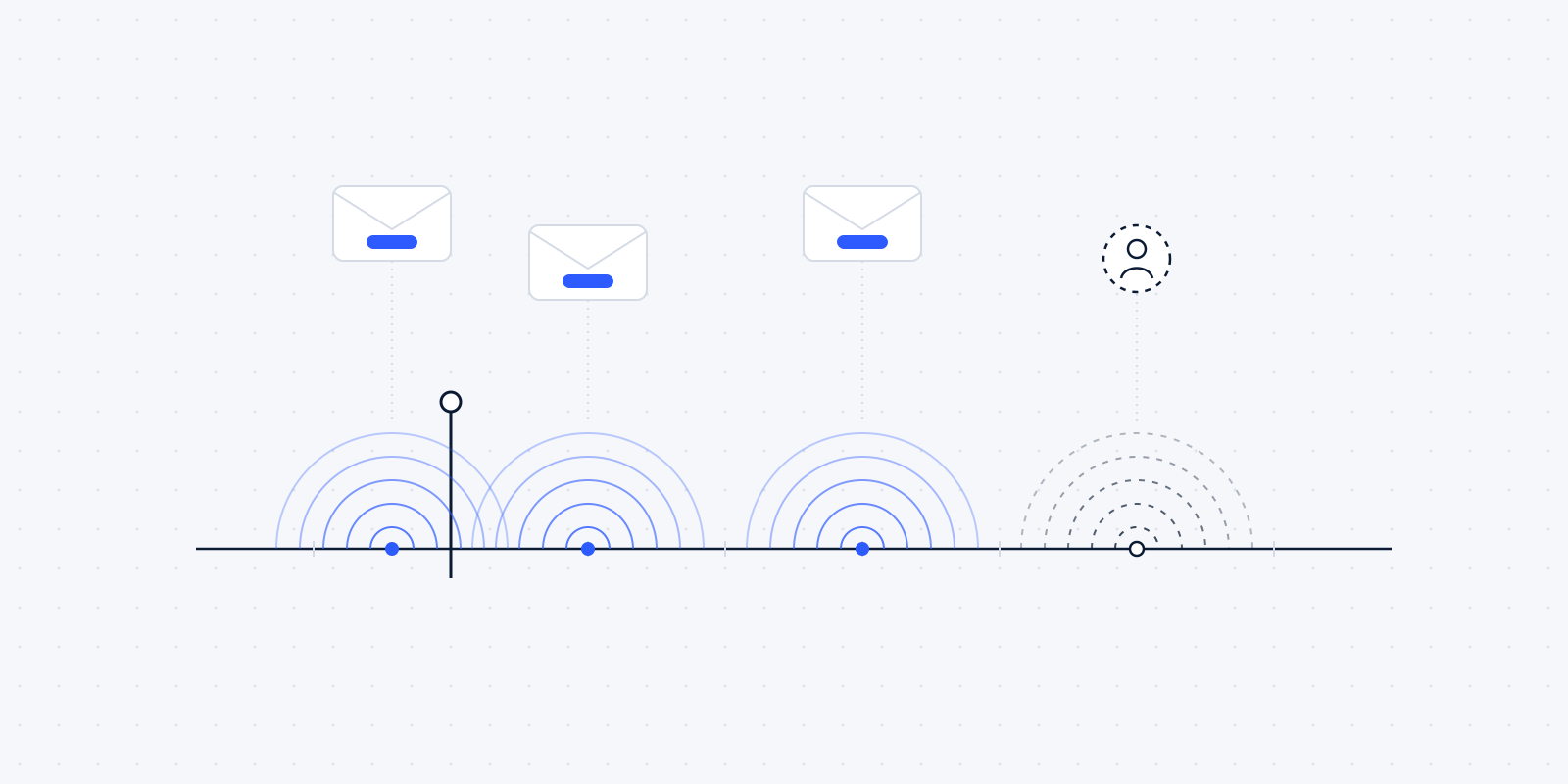
A date like that doesn't belong in someone's head or a loose Excel list. An automation can track per client whether the authorisation is in place, when the client needs to respond and who still needs a reminder. A few weeks before the deadline you get a list of the clients where it isn't sorted yet. The same approach works for other fixed deadlines, such as extension schemes and filing dates.
Today
- The deadline lives in someone's head or a loose Excel list
- Authorisations are checked client by client
Automated
- Per client: whether the authorisation is in place and when the client must respond
- Reminders to clients who haven't responded
- A list of open cases a few weeks before the deadline
Stays with a person: Deciding what to do about the clients still on the list.
3. Tuning bank and purchase-invoice rules
When booking bank transactions and purchase invoices takes a lot of manual work, the reflex is often a new package or a new scanner. Usually the fix is closer to home. Think of the fixed monthly payment to the landlord of the office, the energy supplier or the leasing company. If that doesn't land on the right ledger account by itself, someone looks at it twelve times a year. The rules that decide how a recurring payment or supplier is booked were set up once and never maintained.
We look at which transactions are booked by hand every month, and whether a fixed rule can cover them. It's dull work, and it pays off straight away in the software you already have.
A person keeps an eye on what stands out: a new supplier, an unusual amount, a payment that doesn't match anything.
Today
- Recurring payments are booked by hand every month
- The rules were set up once and never maintained
Automated
- Fixed rules for recurring payments and suppliers
- Transactions still booked by hand each month are reviewed
Stays with a person: Looking at what stands out: a new supplier, an unusual amount, a payment that matches nothing.
4. Period-end checks and client reports
According to the figures, this is where firms lag furthest behind. Reporting is only 38% automated, and 53% name automating controls, reporting and period closing as the most valuable innovation (Exact, via Accountancy van Morgen, November 2025).
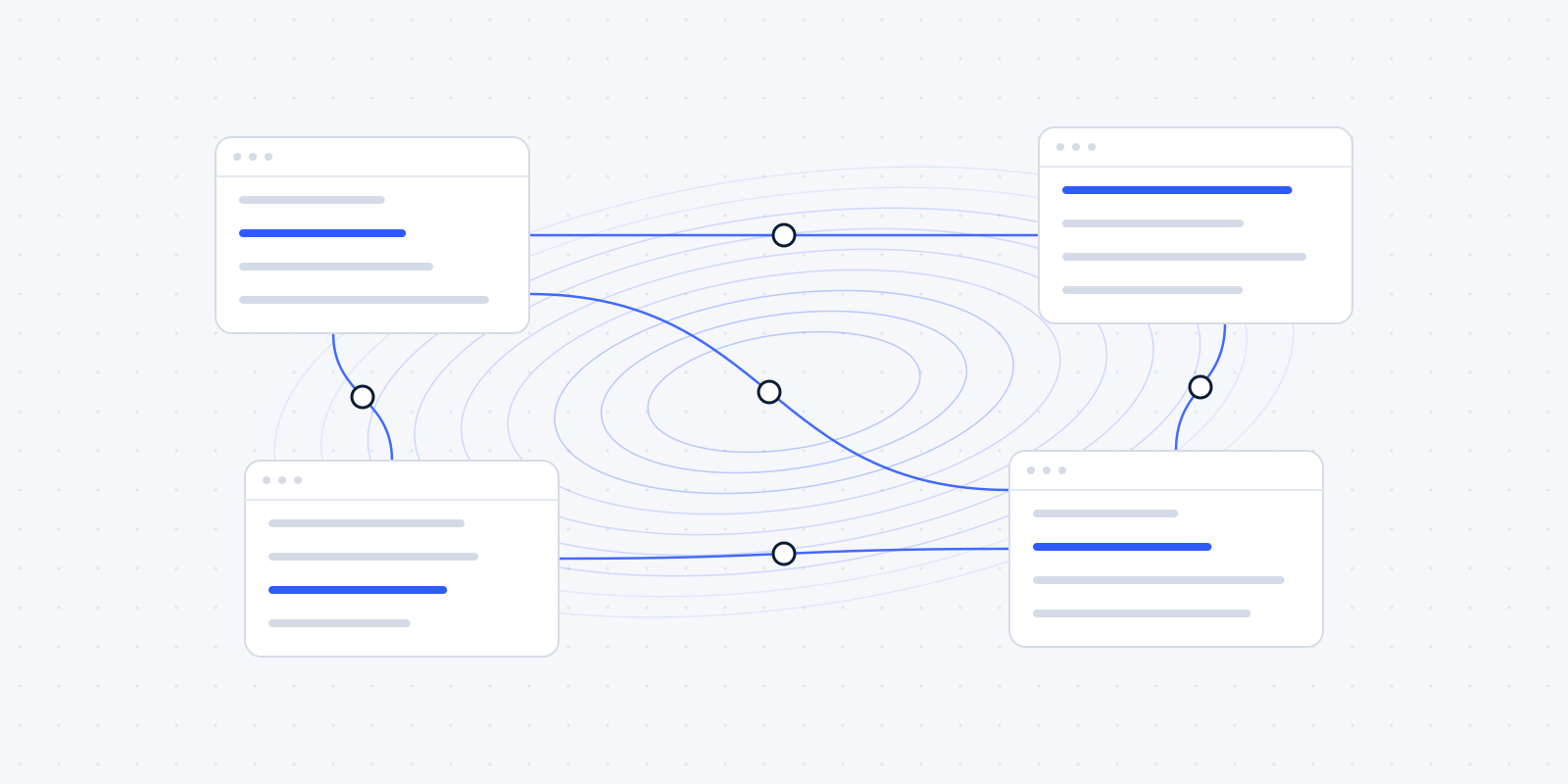
Many checks are the same every month. Does the VAT account reconcile? Are there items sitting on the suspense account for a long time? Is a cost item far off last year's? An automation can ask those questions every month and set out the answers. A client's monthly report can be filled the same way, so your staff member only writes the commentary.
An example of such a check: after every bank import, an automation looks for items that have been on the suspense account for more than thirty days, and puts them on a list for the staff member who manages that file. The list is there on the same day every month, busy week or not.
The judgement on what a deviation means stays with the accountant.
Today
- The same checks by hand every month
- The client report is filled in by hand
Automated
- After every bank import, items on the suspense account for over 30 days go on a list
- The same questions asked every month, the answers set out
- The report is filled; the staff member writes the commentary
Stays with a person: Deciding what a deviation means.
5. Scheduling periodic Wwft reviews
The Wwft, the Dutch anti-money-laundering act, asks you to review client profiles periodically. According to ComplianceWise, a supplier of compliance software, expired ID documents and missing periodic reviews are among the most common mistakes. That's partner content from a vendor, so read it with that in mind (Accountancy van Morgen, ComplianceWise partner content).
The scheduling can be automated. For each client it's recorded when the next review is due and when the ID document expires. A month ahead, the task lands with the right person, with the file attached. The review itself stays human work.
Today
- Review dates and ID expiry dates tracked from memory or in a list
Automated
- Per client: next review date and ID expiry date recorded
- A month ahead, the task lands with the right person, file attached
Stays with a person: The review itself.
How to spot them in your own week
A simple exercise: for one week, ask everyone in the office to note on a slip of paper which jobs they did more than twice in the same way. No time tracking, just a tally mark each time. After a week you'll see which jobs keep coming back.
Look out for these signs:
- someone retypes data from one package into another;
- there's an Excel list that exists only to track what's still open;
- a colleague says "only she knows how that works", because the steps aren't written down anywhere;
- a job keeps getting pushed to the end of the month because it's boring;
- clients get the same email, with a few different names in it each time.
The more of those signs a job shows, the more likely it is that automating it pays off. A job with only one sign is usually not the first to tackle.
Where a person stays in charge
The same line runs through all five jobs. The software collects, reminds, schedules and records. A person judges and decides. That's also how the work holds up when something goes wrong: someone sees it, because someone is looking.
Start with the job your firm complains about most. Usually that's number one or two. For more on where the line sits, read what not to automate.
Wondering where this applies in your firm? In a free audit we look at your own week together: the software you already have, the jobs that keep coming back, and what automating them would be worth. Read what the audit covers, or book a call now.