Chasing payments is work almost nobody feels like doing. So it waits until the end of the month, or until someone in the office clears an afternoon for it. Meanwhile the money is out. A fixed reminder schedule, with a payment link and written in your own tone, solves most of that. Often you can do it with the software you already have.
How big the problem is
Exact's 2025 SMB Barometer (897 Dutch business owners surveyed) gives a clear picture (Exact MKB Barometer 2025):
- 90% of Dutch SMBs deal with late payments;
- on average 14.2% of invoices are paid late, and 2.4% never;
- the average agreed payment term is 27.7 days;
- 18% lose €20,000 or more a year because of it;
- getting customers to pay on time is the biggest financial-admin challenge, named by 34%.
14.2%
of invoices at Dutch SMBs are paid late, on average
One caveat: elsewhere in the same report, "almost 3%" is given for invoices that are never paid. We use the 2.4%.
Which payment terms you can agree
Since 1 July 2023, large companies in the Netherlands must pay their SMB suppliers within 30 days. Other business relationships keep a maximum of 60 days, and without an agreed term the default is 30 days (Ondernemersplein). An EU proposal from 2023 for a strict 30-day maximum across Europe has stalled, because around half of the member states don't support it (GTR). Until that changes, the Dutch rules above apply.
The term on your invoice is also the starting point of your reminder schedule. The shorter and clearer the term, the sooner you know something needs to happen.
A reminder schedule: first reminder, second reminder, final notice
Below is an example schedule for business customers. It's a starting point to adapt to your own customers; the law doesn't prescribe these days.
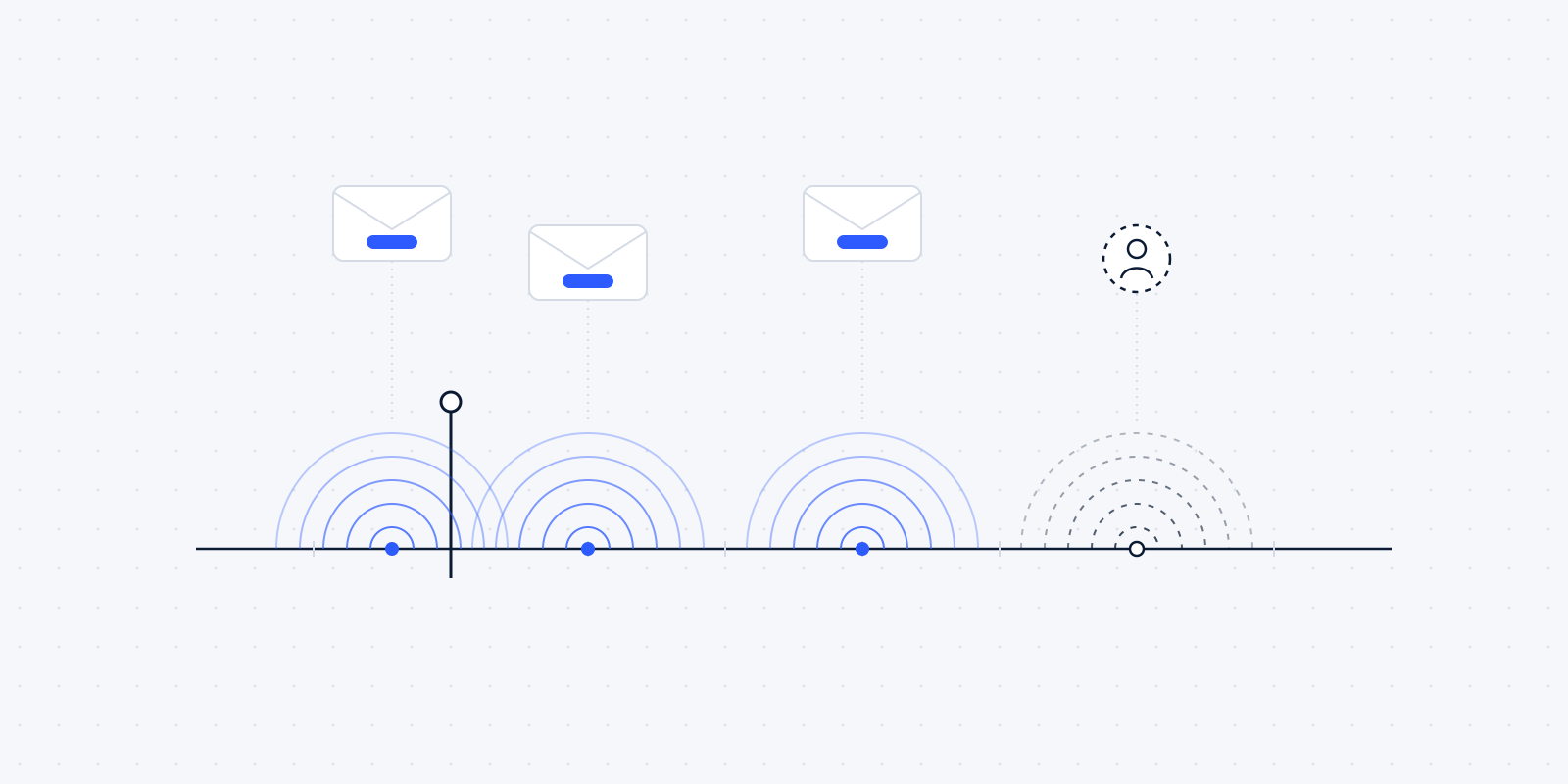
Example schedule for business customers
3 days before the due date
Friendly heads-up, with payment link
Tone: service.
7 days after the due date
First reminder, with the invoice and the payment link
Tone: friendly, assumes an oversight.
21 days after the due date
Second reminder, with a new deadline
Tone: businesslike and clear.
35 days after the due date
A colleague calls
A task for a person, not another email.
After that
Final notice, possibly with collection costs
Tone: formal.
What matters most is that the schedule is fixed. Every invoice follows the same route, however busy the week is. That feels fairer to customers too: nobody gets a stern email because someone in the office happened to have a bad day.
Be careful with collection costs for business customers. If a business customer pays late, you're entitled to at least €40 in compensation, and you don't have to send a reminder first. Without other agreements the statutory scale applies, up to a maximum of €6,775. With a business customer you may agree something different in the contract (Ondernemersplein). We give no legal advice on the amounts beyond that; have it checked if needed.
What belongs in every reminder
- the invoice number, the amount and the original due date;
- the invoice itself as an attachment, so the customer doesn't have to search;
- the payment link;
- the name and phone number of someone who can answer questions;
- in the second reminder: a new, concrete date.
Leave threatening language out of the first two messages. We think a customer who simply forgot pays sooner after a friendly email than after an angry one. We haven't found research on this, so treat it as our view.
When the customer disputes the invoice
A reminder schedule has to be able to stop. When a customer says something is wrong, a colleague should be able to pause the reminders for that invoice in one click. Otherwise a customer who has just called still gets an automatic final notice, and that's how a good relationship gets damaged.
Consumers are different: the veertiendagenbrief
If you invoice consumers, different rules apply. Before you may charge collection costs, you have to send a free reminder first (Ondernemersplein). In practice that's the veertiendagenbrief, the fourteen-day letter: it gives the customer fourteen days to pay, counted from the day after they receive it, and states what happens if they don't, including the collection costs. The rule is in article 6:96 paragraph 6 of the Dutch Civil Code, and the courts have agreed on how to word the deadline (Rechtspraak, aanbeveling 14-dagenbrief).
In an automatic schedule that means a separate route for consumer customers, with the fourteen-day letter as a fixed step, with the right text and date in it. Then the step can't be skipped by accident.
A payment link, and reconciliation that happens by itself
A reminder works better when paying is one click away. Put a payment link in every invoice and every reminder, for example through Mollie or your accounting package's payment feature. The customer clicks, pays, and doesn't have to retype an IBAN or invoice number.
The second benefit is on your side. When the payment comes in through the link, it can be matched to the right invoice automatically. Moneybird does this, for example, for the payment methods it offers itself (Adyen on Moneybird). The reminder schedule then stops as soon as the invoice is paid, and nobody gets a reminder for an invoice settled yesterday.
Many accounting packages already have a reminder feature. Often it's enough to set that up properly. We only build something around it when you need more, such as a call task for a colleague, or reminders that take agreements from your CRM into account.
Keep it human, and know when to pick up the phone
Automatic here means on time and every time. It doesn't have to sound like a machine. Write the texts yourself, in the tone you use with the customer. Put the name of a real colleague under the message, with a phone number.
An example of a first reminder (fictional):
- From
- Sanne
- To
- Peter
- Subject
- Invoice 2026-118
Hi Peter,
Our invoice 2026-118 for €1,240 was due on 14 October. It has probably ended up between the other post. You can pay it directly with the button below.
Something not right on the invoice? Feel free to call me.
Pay €1,240Best, Sanne
Executives see little point in a chatbot for this conversation either: only 22% think customers prefer talking to AI about a late payment (Intrum European Payment Report 2025). That's why the example schedule above has a moment where a person calls. With a regular customer who has a good reason for the delay, a phone call solves more than the third email.
Even with a fixed schedule, some customers will pay late. What changes is that you no longer forget an invoice.
Exceptions for regular customers
Some customers belong in a different schedule. A large client with fixed payment runs, a customer with a payment plan, or a customer who pays a project in instalments. Record those agreements in your accounting package or CRM so the schedule takes them into account. Then a customer on a payment plan doesn't get a reminder for an instalment that isn't due yet.
Measure whether it works
We don't promise a percentage less in outstanding invoices. You can measure it yourself, though. Before you start, note how many invoices are late on average, and how many days it takes on average before you're paid. Look again after three months. Then you know what it delivers, measured with your own customers.
Is it worth it for you?
There's no research on this that we can cite. Our own rule of thumb, and it's no more than that: if someone in your office spends more than an hour a month following up unpaid invoices, or you regularly find an invoice has sat for weeks without a reminder, it's worth setting up the schedule.
A worked example with made-up numbers: a business sends 80 invoices a month. If 14% of them are paid late, as in the SMB Barometer average, that's about 11 invoices a month someone has to follow up. If each one takes a quarter of an hour to look up, email and note down, that's nearly three hours a month. For most businesses that's reason enough to at least switch on the built-in reminders in their accounting package.
Start with what your accounting package can already do. If that isn't good enough, we'll look together at what's missing. How we do that sum is in what a free automation audit looks at.
Wondering where this applies in your firm? In a free audit we look at your own week together: the software you already have, the jobs that keep coming back, and what automating them would be worth. Read what the audit covers, or book a call now.