When we help a firm, we rarely recommend a new package. Usually we connect what's already there. That's a deliberate choice, and below we explain why. We also explain when we do advise replacing something.
Your books are already digital. The gaps are in between
At about two-thirds of Dutch SMBs, bookkeeping and payroll already run on software (Exact MKB Barometer 2025). According to CBS, Dutch firms are even in the EU's top three for digitalisation (CBS, March 2026).
So there's usually plenty of software. What's missing are the connections between the packages. A client comes in through the contact form, gets entered into the CRM by hand, receives a quote from Word and an invoice from the accounting package. Four systems, and between each pair sits someone retyping.
What a new package costs
The licence is the smallest part. A new package means an extra login for everyone, one more place where client data lives, and a new habit the team has to learn.
Among Okta's customers, companies with 2,000 or fewer staff use 72 apps on average, and companies in the Netherlands 108 (Okta, Businesses at Work 2024). Those are mostly larger organisations than a typical Dutch firm, but the direction is clear. And in a 2022 study of 20 teams, the researchers estimated that workers lose close to four hours a week getting back on track after switching between apps (Harvard Business Review, 2022).
72
apps on average at companies with 2,000 or fewer staff
Every new package makes those numbers bigger. So we first check whether what you have can do the job.
An example, with a fictional firm of eight people. It takes on a separate package for client communication. Everyone gets a new login. Client data now lives in the accounting package, the CRM and the new package, and after a few months a client's address is wrong in one of the three. Two colleagues keep emailing from Outlook anyway. The package itself was fine. It just didn't fit how the firm worked.
Why firms put off switching, and why that's often sensible
IT research by the SRA, the Dutch association of accounting firms, shows that firms often delay moving to new software because the current software still works, or because a move would disrupt their workflows (via Accountancy van Morgen).
We often think that's sensible. A migration takes months, the data has to move, and in the meantime the firm runs half on the old system and half on the new one. If your package does what it should, that money and disruption is often better spent on the connections between your tools.
What connecting means in practice
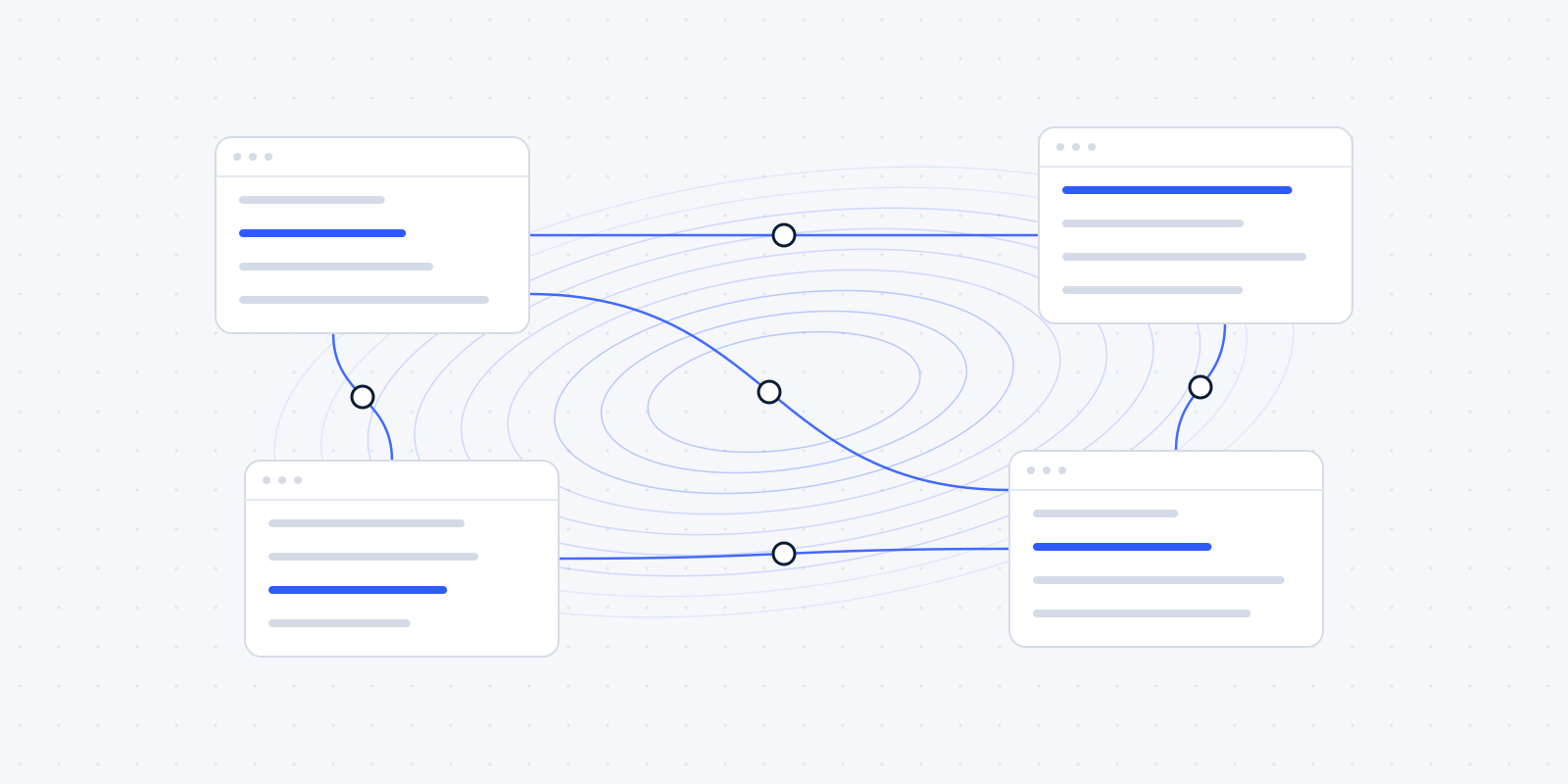
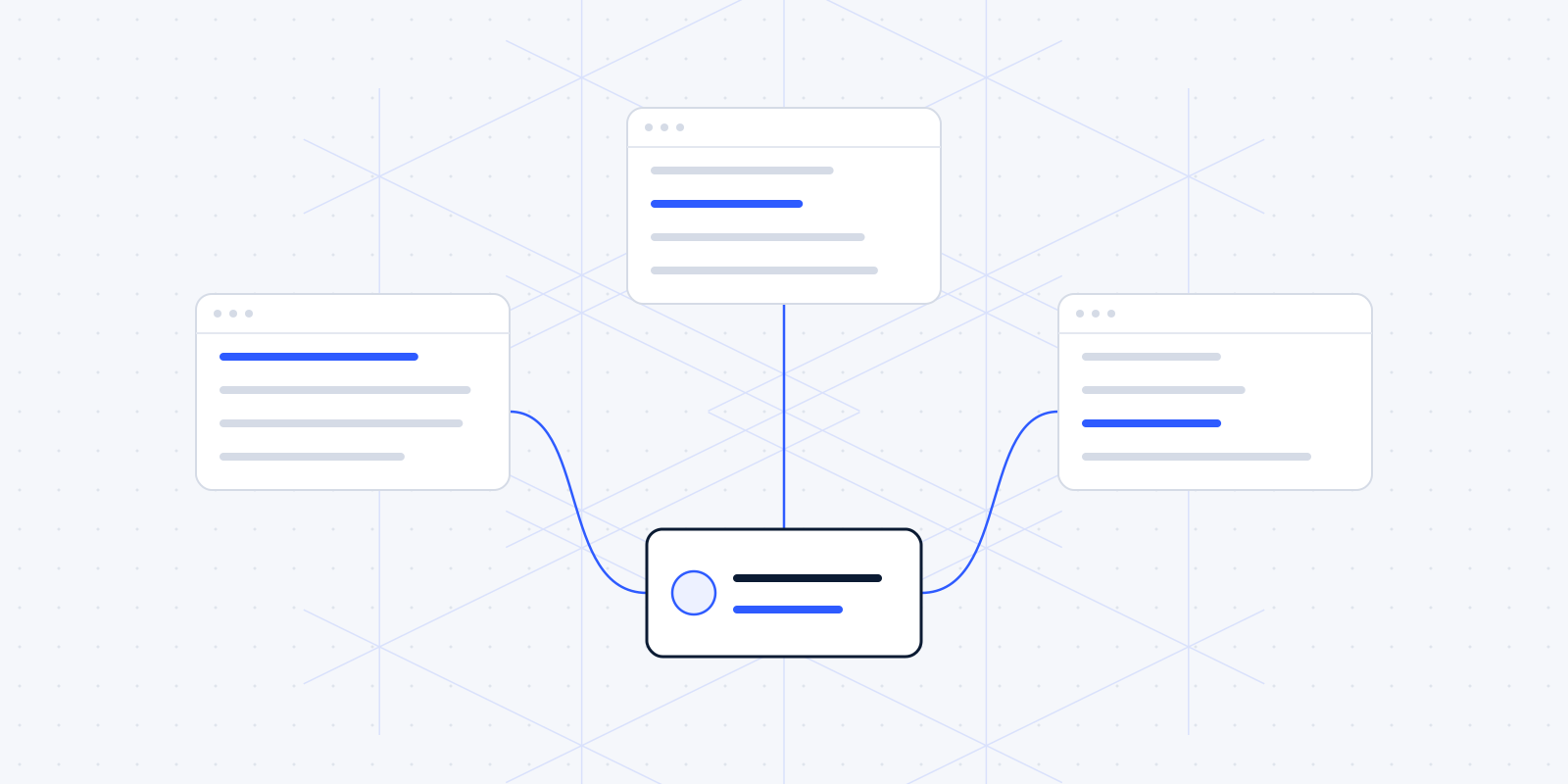
Connecting means that data entered in one place flows automatically to wherever it's needed next. A few examples of what we build, using software many firms already have:
- A request through the contact form lands as a contact and a deal in HubSpot, with a task for the right colleague.
- A signed quote creates a client and a first invoice in Moneybird or Exact Online, with a Mollie payment link in it.
- A new client automatically gets a folder in Microsoft 365 or Google Workspace, with your firm's standard structure.
- A meeting booked through Cal.com lands in the right calendar and sets up the preparation.
- Figures from the accounting package flow into a Power BI report every night.
Each of these packages has a public API, and that's what makes the connection possible.
The team keeps working in the screens it knows. What goes away is the retyping.
A connection does need maintenance. If a vendor changes its API, the connection has to follow. That's why we record for every connection which systems it touches and what happens when a step fails: who gets notified, and is it retried later?
We usually build these connections in n8n. Why, and when another tool fits better, is in n8n, Make or Zapier.
Example: one new client, five systems, no retyping
Example
Contact form
A request comes in
CRM
Contact, deal and a task for a colleague
Accounting package
Client and first invoice
Payment link
In the invoice
Client folder
Created with your standard structure
Start with one process
Connecting doesn't have to be a big project. Start with one process and the systems involved in it. Where you can, let the connection run alongside the old way of working for a while, and check that the results match. Only once the team trusts it do you drop the manual step.
Then comes the next process. That way the whole grows step by step, and you can stop at any point without leaving a half-built system behind. Each connection works on its own.
What you need for this is usually modest: access to the packages you already use, and someone in the office who knows how the process runs now. That colleague often matters more than any software, because they know where the exceptions are.
Structured, connected data first, then AI
Many firms want to do something with AI. We understand that. Silverfin's CEO put it this way in September 2026: structured data and connected systems have to come first, before AI can do much (Accountant.nl).
We agree. An AI tool that has to gather client data from four separate systems makes mistakes. When the data is already correct in one place, every next step gets simpler, with or without AI.
When replacing is the right call
Sometimes connecting is the wrong choice. For example when:
- a package has no API, so every connection becomes a shaky workaround;
- the vendor is discontinuing the product or no longer releases updates;
- the package no longer fits how your firm works, and your team works around it every day;
- you have two packages doing the same thing, and the double entry costs more than a switch.
If you're unsure, one question helps: if this package disappeared tomorrow, what would you miss? If the answer is "not much", replacing may be better than connecting. If the answer is "everything in it", connecting is usually the wiser move.
Then we say so, and help with the switch. We still start with what you have, because in most cases that's the cheapest route and your team has nothing new to learn.
Wondering where this applies in your firm? In a free audit we look at your own week together: the software you already have, the jobs that keep coming back, and what automating them would be worth. Read what the audit covers, or book a call now.