We make our living from automation. Even so, we regularly advise firms not to automate something. That has little to do with caution. Some tasks get worse when a system takes them over, and for others the build isn't worth what it saves. Below is where we draw the line.
The rule: automate the preparation and the record-keeping
The simplest rule of thumb we know: let software collect, remind, prepare and record. Let a person judge and decide.
A system can request documents, check whether they've arrived, prepare figures and log every step in the file with a date. What to do with those documents and figures is a question for someone with expertise and responsibility.
Automate
- Collecting documents
- Sending reminders
- Preparing figures and drafts
- Recording every step with a date
Keep with a person
- A client's Wwft risk assessment
- Taking a tax position
- Judging a conflict of interest
- Deciding to take on a matter
- Bad news and difficult conversations
Judgement calls that stay with a person
A few examples from accounting and law firms:
- a client's risk assessment under the Wwft, the Dutch anti-money-laundering act;
- taking a tax position in a return;
- judging whether there's a conflict of interest;
- deciding whether to take on a matter or engagement.
The Wwft shows this clearly. Using one uniform risk approach for all clients is itself a common mistake, according to partner content from compliance software vendor ComplianceWise (Accountancy van Morgen, partner content). And the dekens, who supervise Dutch advocaten, reject blanket justifications such as "all factors have been checked" (Dekenberaad, March 2025). A system that ticks the same box for everyone makes exactly the mistake the supervisor looks for.
What does work: the system asks the questions, and the professional fills in and justifies the answers. Then the judgement is on paper, and it belongs to a person.
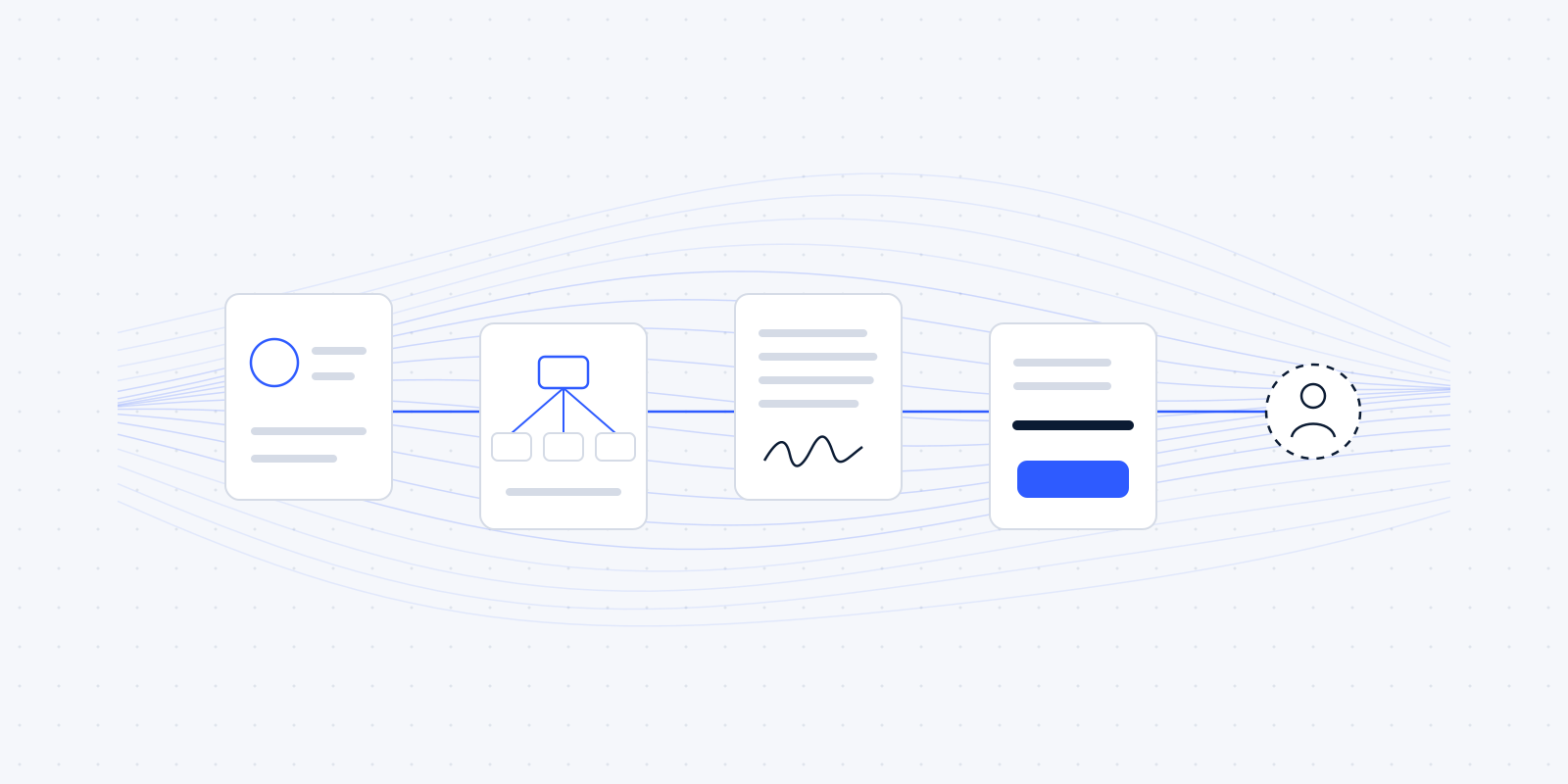
An example (fictional) of how that line runs in practice. In a Wwft intake, the system sends the client the list of required documents, ticks them off and sends reminders. It sets out the answers to the risk questions in the file. The advocaat reads them, assigns the risk and writes the justification. Then the system records the date and the advocaat's name. Four of the five steps run automatically. The fifth, the judgement, is the advocaat's.
Free chatbots and client data
In December 2025 the Autoriteit Persoonsgegevens, the Dutch data protection authority, warned about a growing number of data breaches caused by employees using AI chatbots. Free services may store what you type in and use it to train their models (Accountant.nl, December 2025).
For a firm with client files, that's a hard line. Annual accounts, a court document or an intake form don't belong in a free chatbot, not even "just to summarise". The NOvA, the Dutch bar association, says the same to advocaten: no free or open AI tools for confidential data (NOvA, AI recommendations).
Whether AI is safe for your firm therefore depends on the service you use, the terms that come with it, and whether there's a data processing agreement in place.
Accuracy: every AI output gets a review step
Accountants name accuracy and quality control as the biggest obstacle to AI, at 44% (Accountant.nl, September 2026). That's a fair objection. A language model can copy an amount wrongly or cite a source that doesn't exist, and it sounds just as sure as when it's right.
That's why the NOvA asks advocaten to check every reference produced by AI, and to tell clients they use AI. In its words, the advocaat's own responsibility remains leading ("de eigen verantwoordelijkheid van de advocaat blijft leidend") (NOvA).
When we put AI somewhere in a process, for example to sort an incoming email or prepare a draft, there's always a step after it where a person reviews and approves it before anything goes to a client.
Messages that shouldn't sound automated
There's no Dutch research on how clients experience automated messages from their accountant or lawyer. What follows is our own view.
A reminder about a missing document can be automatic. Bad news can't: a disappointing tax assessment, a case that's going badly, a mistake by the firm. A difficult conversation about a payment belongs with a person too. That fits the Intrum research, in which only 22% of executives think customers prefer talking to AI about a late payment (Intrum, 2025).
An automation can help make sure such a conversation happens on time: a task at the right moment, with the file attached.
When automating isn't worth it
Sometimes the answer is simply no. A job that happens four times a year and takes ten minutes saves too little to build and maintain a connection for. A process that runs differently every month is better written down on paper first.
A worked example: a job that takes ten minutes four times a year adds up to 40 minutes a year. If building it takes a few hours and the connection needs some maintenance each year, it won't pay for itself for years. A good checklist is the better solution then.
Every extra tool can also add friction. "Technical problems" are already the third-biggest frustration among accounting staff, named by 13% (Accountancy van Morgen, August 2025). An automation that often breaks makes that worse.
And AI isn't needed in many places. Among Dutch firms with 2 to 10 employees, only 14% use AI (CBS, December 2025). Much of what we build contains no AI at all. For most admin jobs, a fixed rule that always does the same thing is more reliable.
A quick test for any task
If you're unsure about a task, ask these questions:
- Does the task go the same way every time, or does it depend on the situation?
- What happens if it goes wrong once, and who notices?
- Does client data go to a service you have no agreement with?
- Would the client find it odd if this message came from a system?
- Does the task happen often enough to justify building and maintaining it?
If the answer to question 1 is "it depends", or to question 4 is "yes", keep it with a person. If the answer to question 3 is "yes", sort out the agreements before you build anything.
What the AI Act asks of a small firm in 2026
Most firms use AI rather than build it. For that group the obligations are limited, though they do exist. The points below follow the AI Act as amended by the AI omnibus, Regulation (EU) 2026/1744, in force since 27 July 2026 (Hunton).
- Since February 2025 you have to take measures so that staff who work with AI know enough about it (article 4, AI literacy).
- Since 2 August 2026, transparency rules apply: people have to know when they're dealing with an AI system (article 50).
- The main rules for high-risk AI systems apply from 2 December 2027, and for AI in regulated products from 2 August 2028 (Hunton).
An ordinary email flow or invoice automation isn't "high risk". Anyone who tells you your reminder emails fall under strict AI rules is exaggerating. If you use AI in contact with clients, you do need to think about the transparency rule. For accountants, the NBA (their professional body) published a guide in October 2024 on keeping AI under control in practice (NBA, AI in Control).
For where automation does work well, read five admin tasks to automate first and client intake for law firms.
Wondering where this applies in your firm? In a free audit we look at your own week together: the software you already have, the jobs that keep coming back, and what automating them would be worth. Read what the audit covers, or book a call now.