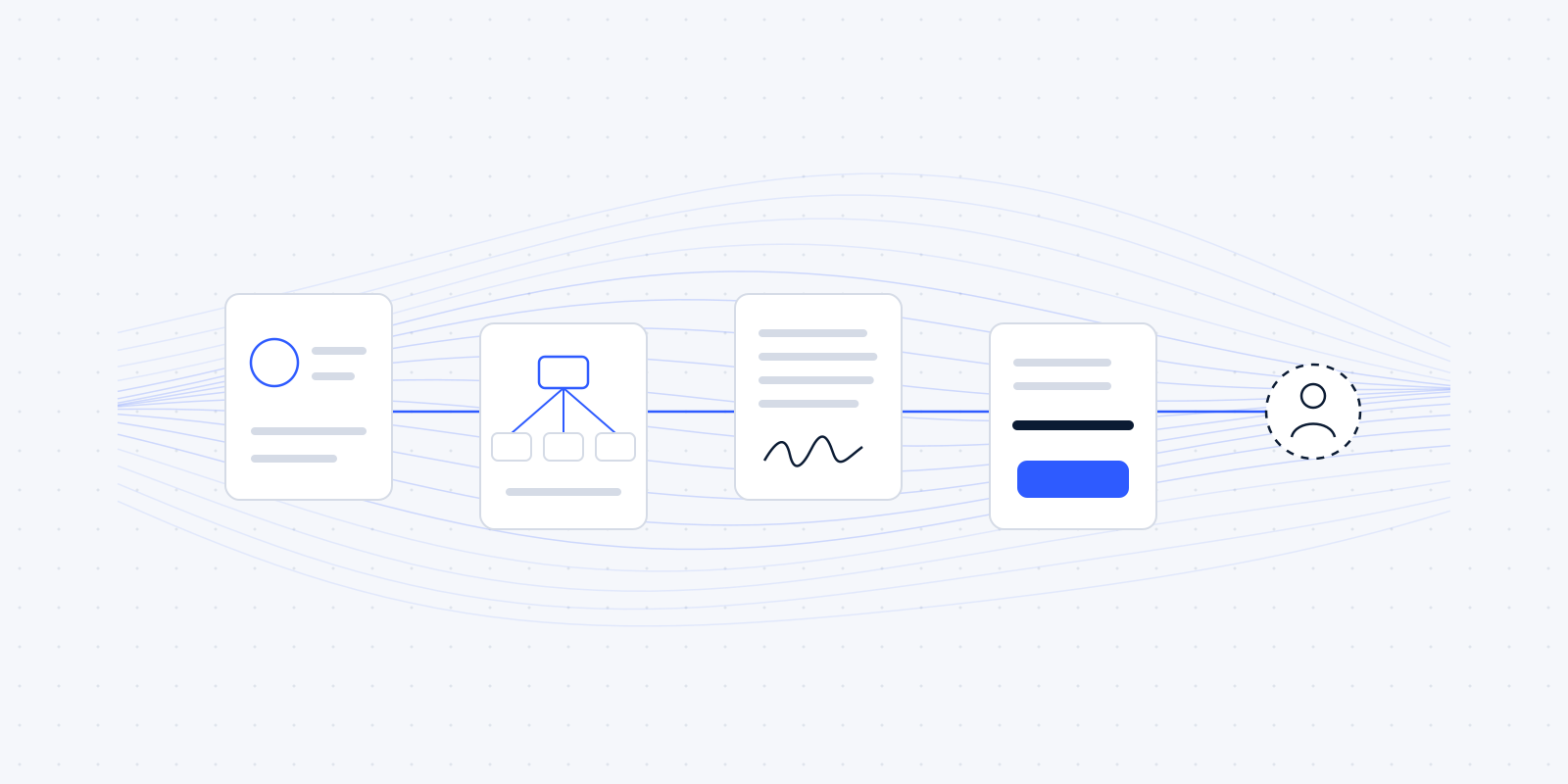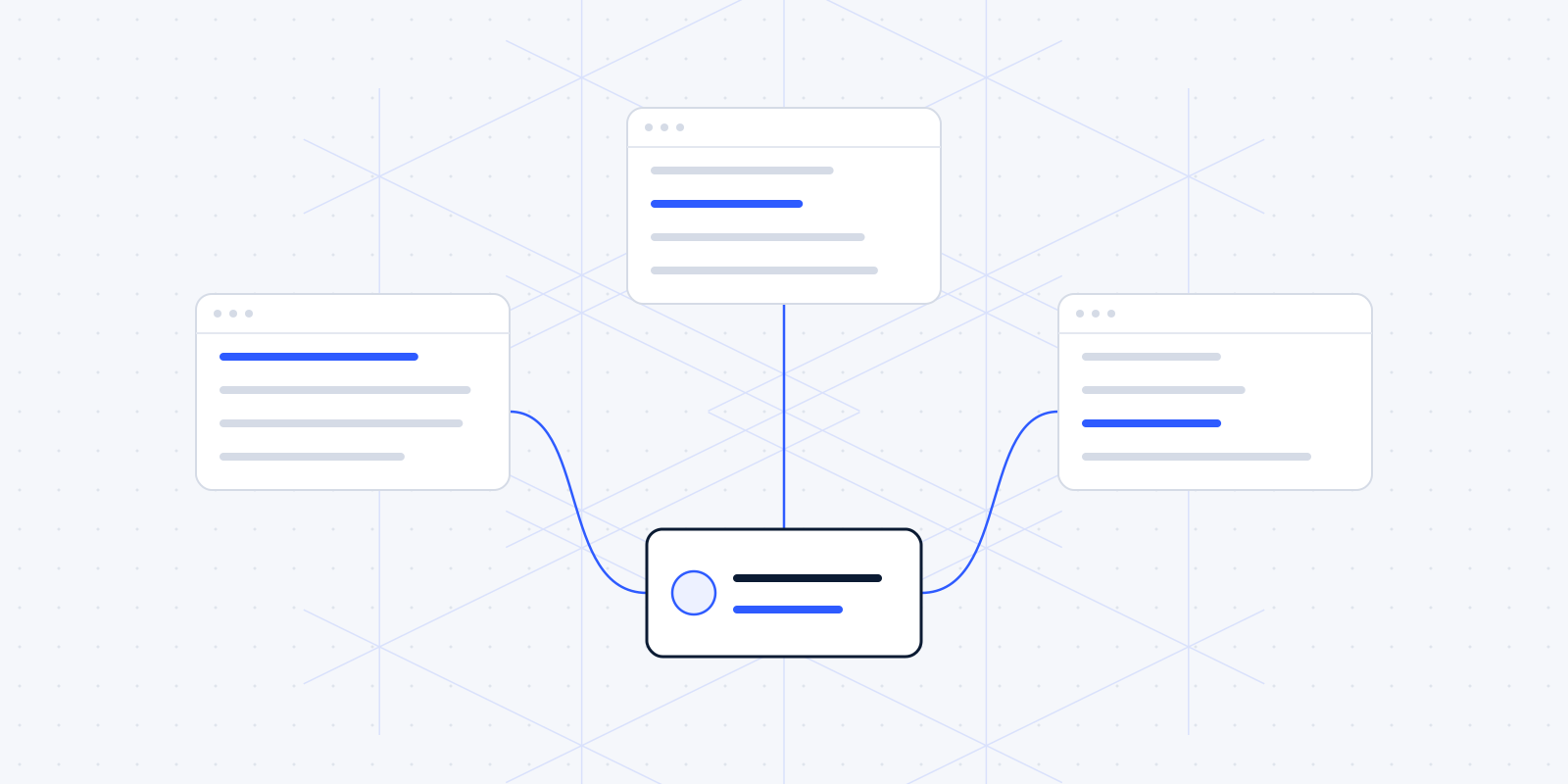

Once intake is done, two fixed steps follow: the conflict check and the engagement letter. At many firms both are still done by hand. Someone searches the system for the opposing party's name, and someone else copies the previous engagement letter and changes the details. That works, until an old name stays in, or a search just misses the wrong spelling.
This article follows on from client intake for law firms. It's about what has to happen next, and which part of it software can prepare.
What the Verordening op de advocatuur requires in writing
Since 1 January 2025, an amended article 7.5 of the Verordening op de advocatuur (Voda, the bar's regulation for advocaten) applies. According to the explanatory notes, important agreements with the client must be recorded in writing, "such as the engagement letter" ("zoals de opdrachtbevestiging"), and that includes the fee agreements (NOvA, Voda amendment).
On top of that, gedragsregel 17 (rule of conduct 17) asks that when you accept the engagement, clear agreements have been made about your fee, how costs are passed on and how you invoice. Gedragsregel 16 asks you to keep the client informed (NOvA, Gedragsregels advocatuur).
For every new matter that means an engagement letter on paper, with the agreements on scope and fees in it. That's exactly the kind of document that is mostly the same every time, and slightly different in a few places.
A conflict check across the whole firm
Gedragsregel 15 forbids an advocaat from acting for parties with conflicting interests, or against a current or former client, except under strict conditions. Paragraph 6 says that "advocaat" here covers the whole samenwerkingsverband, the firm (Gedragsregels advocatuur 2018, article 15).
In practice, that paragraph 6 matters most. You have to look beyond your own files: the check runs across all clients and opposing parties of the whole firm, including closed matters.
Software can help here. A search that runs automatically for every new matter, across all names of clients, opposing parties and other people involved, with spelling variants and KvK numbers included. The result is a list of possible matches, recorded in the file.
What the software doesn't do: decide whether a match is a conflict. Whether an earlier matter against the same party is a problem, and whether the exceptions in paragraphs 3 and 4 apply, is for the advocaat to judge. The software finds the matches; the advocaat weighs them.
An example (fictional): a new client, Bakkerij Smit B.V., wants to litigate against a supplier. The search finds three matches. The supplier was the opposing party in another matter four years ago. A director of the bakery appears as a party involved in an open file. And there's a company with an almost identical name that is a client of the firm. The software puts those three matches in the file. The advocaat reviews them, establishes that the third is a different company, and records for each match why there is or isn't a conflict.
Many practice management systems already have a search function. The gain is often in running it automatically, and in recording the result, so it doesn't depend on someone remembering.
Generating the engagement letter from the intake form
At intake, the client has already filled in who they are, what the matter is about and who the opposing party is. That data can go straight into an engagement letter template. An example of what then goes in automatically:
- the client's name, address and KvK number;
- a description of the engagement, as the advocaat set it out at intake;
- the fee agreements: hourly rate, fixed price or a combination, and any advance;
- the firm's general terms and conditions;
- if you use AI: a passage telling the client so.
Engagement letter template
ExampleEngagement letter
TemplateLast updated by one person, used by everyone
Client
- client_name, address
- KvK kvk_number
The engagement
- engagement_description
Fees
- fee_arrangement: rate
- Advance: advance
Terms
- The general terms and conditions of firm_name apply.
- We use AI tools for some preparatory work. An advocaat checks everything before it reaches you.
That last point comes from the NOvA, which suggests informing clients about AI use, for example in the engagement letter (NOvA, AI recommendations).
The advocaat reads the draft, adjusts the description where needed and approves it. The cutting and pasting goes, and with it the risk of a name or rate from a previous matter still being in there.
A template does need maintenance. When your general terms or rates change, one person updates the template, and from then on everyone uses the new version. When people copy the previous letter, old rates sometimes keep circulating for months.
Today
- Copy the previous engagement letter
- Change the name, address and rates by hand
- An old name or rate sometimes stays in
Automated
- The intake data fills the template
- Rates and general terms come from one maintained template
- The advocaat reads, adjusts and approves the draft
Stays with a person: The description of the engagement and the fee agreements.
Getting it signed and filed without manual reminders
Once approved, the engagement letter goes to the client with a link to sign digitally. If it hasn't been signed after a few days, a reminder goes out. After the second reminder, the secretary or advocaat gets a task to call.
The signed document lands in the file automatically, with the date of signing. That way you can always show later when the agreements were recorded.
That helps when the deken (the local bar president who supervises advocaten) visits as well. Every file then has the same parts in the same place: the result of the conflict check with the advocaat's assessment, the signed engagement letter and the date it was signed. Nobody has to dig them up.
The same rule as at intake applies here: automatic messages must be switchable off per matter, for example when a report has been made to the FIU. That's explained in the article on intake.
When an existing client brings a new matter
With a regular client, it's tempting to skip intake. But according to the dekens, the risk profile has to be updated when an existing Wwft client comes with a new matter (Dekenberaad, March 2025).
A system can recognise that moment. When a new matter is opened for a known client, the advocaat gets a task: review the risk profile again. The conflict check runs again too, because the opposing party is probably a different one.
Client funds: the written confirmation
Client funds (derdengelden) also come with a fixed written step. An invoice may only be paid from client funds if the beneficiary agreed to that in writing beforehand and didn't dispute the invoice in time. Afterwards, the advocaat must confirm the payment in writing (NOvA, Vo-03).
That confirmation is a standard letter. It can be ready as soon as the settlement is done, with the right amounts and date. The advocaat checks it and sends it. The decision to settle, and the check that the conditions are met, stay with the firm.
Deadlines and follow-ups with the tools you already have
Deadline tracking (termijnbewaking) is a topic at every law firm. We deliberately don't give rules for calculating deadlines here; that's professional work, and belongs with the advocaat and your own procedures.
We can help with the follow-up around it. A deadline recorded in the file can go into the right people's calendars automatically, with a reminder beforehand. And when a step from the intake or engagement letter is still open, it goes on a list someone reviews every week. That can usually be done with what you have, such as your practice management system and your calendar in Microsoft 365 or Google Workspace.
The decisions that stay with the advocaat
In short, for anyone skimming:
- whether a match in the conflict check is a conflict of interest;
- the description of the engagement and the fee agreements;
- whether the Wwft applies, and the client's risk profile;
- whether settling from client funds is allowed;
- calculating deadlines.
Everything around those can be prepared, sent, reminded and recorded. That way the advocaat's time goes to the decisions, and nobody has to retype data that's already in the system.
None of the tools in this article is approved or recommended by the NOvA. Which software you choose is your own call. How we think about it is in why we build on the software you already use.
Wondering where this applies in your firm? In a free audit we look at your own week together: the software you already have, the jobs that keep coming back, and what automating them would be worth. Read what the audit covers, or book a call now.